
Panel rows and columns
Usage
When a list view or detail view is placed directly on a screen, it expands to occupy the entire screen width.

Panels are containers with a structured UI layout. These containers consist of rows and columns. A row can be placed within a column, and a column can be placed within a row.
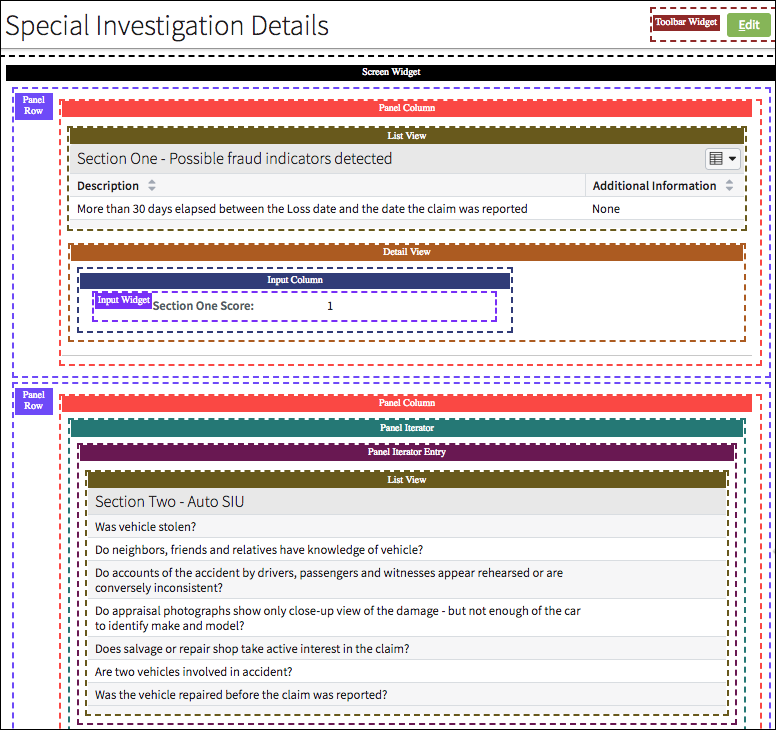
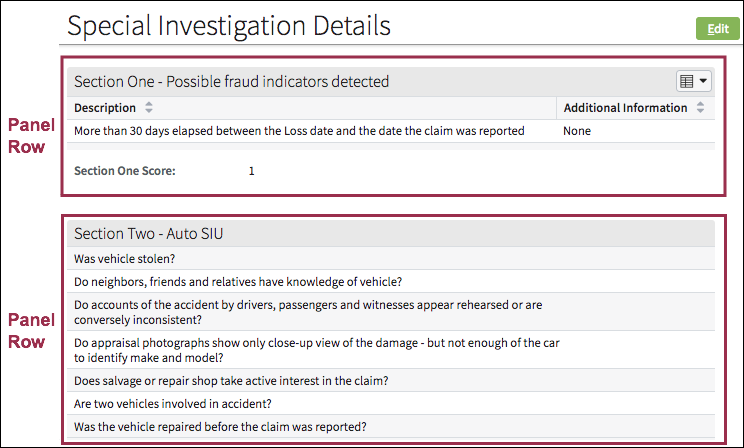
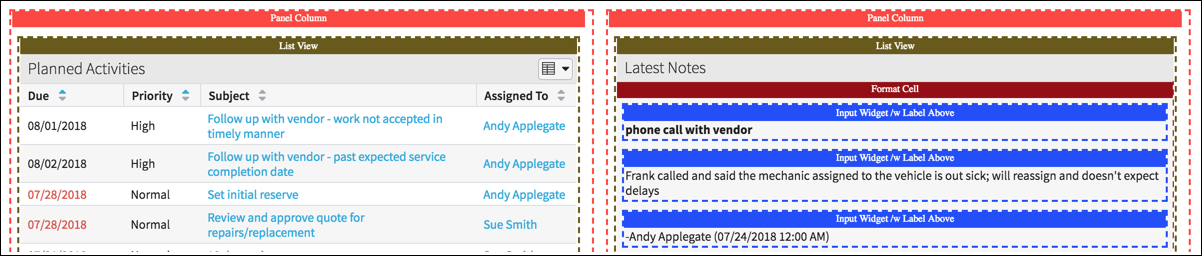
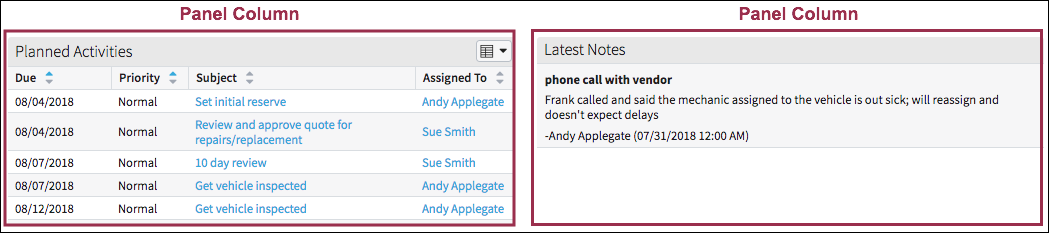
Use panel rows and columns to provide structure and align elements. For example:
- Rows allow list views and detail views to be stacked on the same vertical
plane.
- Columns allow list views and detail views to be placed side-by-side on the
same horizontal plane.
PCF elements
Primary function
- Panel Column
- Panel Row
Secondary function
No elements use this widget as a secondary function.
Best Practices
Use columns and white space to:
- Establish a grid and visually group elements on a page.
- Create visual balance.
- Allow the design to breathe. Designs with insufficient white space appear crammed, unappealing, and make scanning and comprehension more difficult.