
List detail panels
Usage
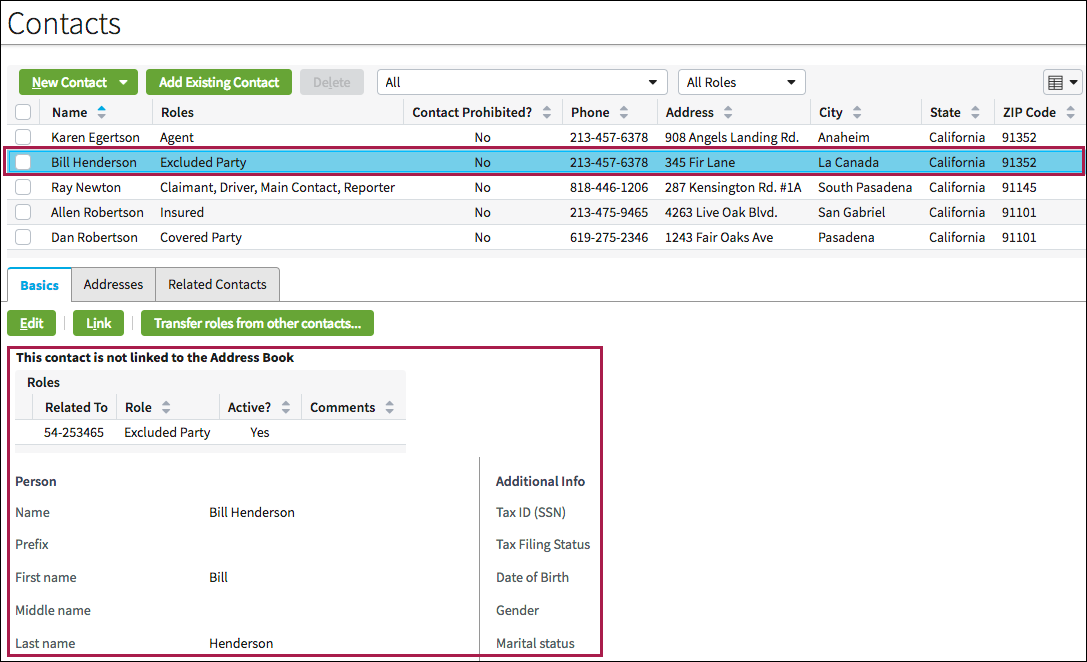
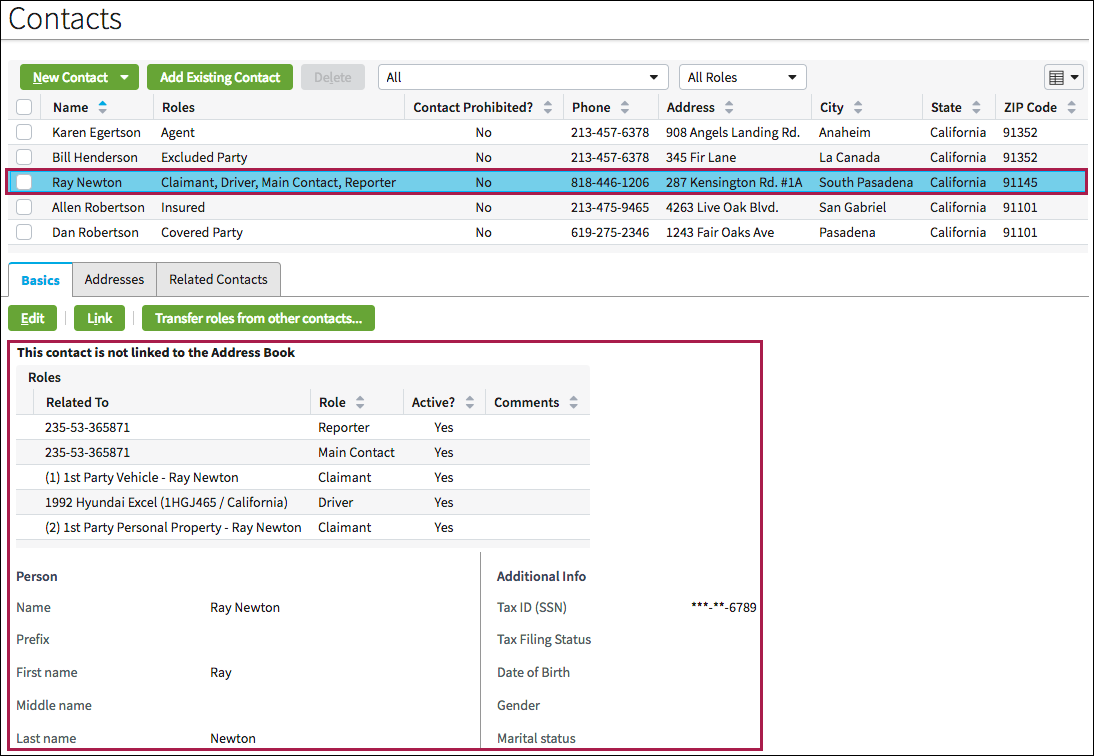
List detail panels contain a table (list view) in the top panel and a tab view in the bottom panel. The tab view contents can depend on what is selected in the table.
Use list detail panels when users need easy and simultaneous access to data summaries and details on the same screen. In the following screen shots the details in the tab change depending on the name users select.
PCF elements
Primary function
List Detail Panel
Secondary function
- List View
- Card View