
Page titles
Usage - page titles
Use page titles to orient users and to clearly identify the purpose of the current page, panel, form, or wizard step.
Usage - subtitles
Use the subtitle attribute to provide more detailed information about the page or section. As show in the following screen shot, a subtitle appears immediately below the title bar, Garage 1, and directly above the line.

PCF elements
Primary function
Title Bar
Secondary function
No elements use this widget as a secondary function.
Best Practices
- Include a title on every page, form, or wizard step.
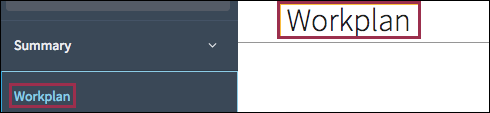
- Whenever possible, match link names to their corresponding page titles. For
example, if the page title is Workplan, the link in the left navigation
should also be Workplan.
- Use enough words to clearly convey the type of content on a page while keeping titles short enough to allow room for localization.
- Avoid all caps.
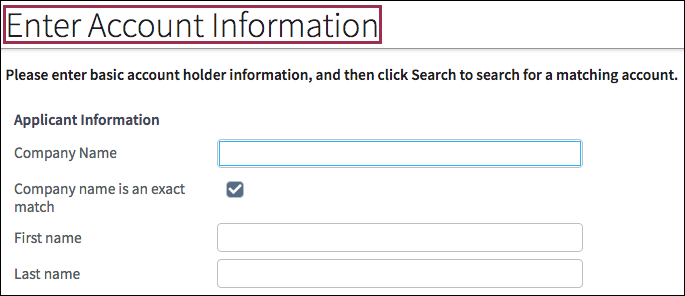
- Use title case. For example, Enter Account Information.
-
Use a dark font on a light background for increased legibility. Use a 3:1 contrast ratio for large text in order to meet the AA compliance level. See WCAG contrast ratios.