
Worksheets
Usage
Worksheets are sections that appear at the bottom of a page, generally showing
additional information that is separate from the context of the main screen. For
example, if a user is viewing a claim and selects , the application displays a worksheet in the lower part of the
screen.
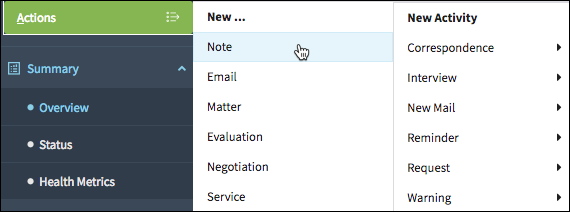 |
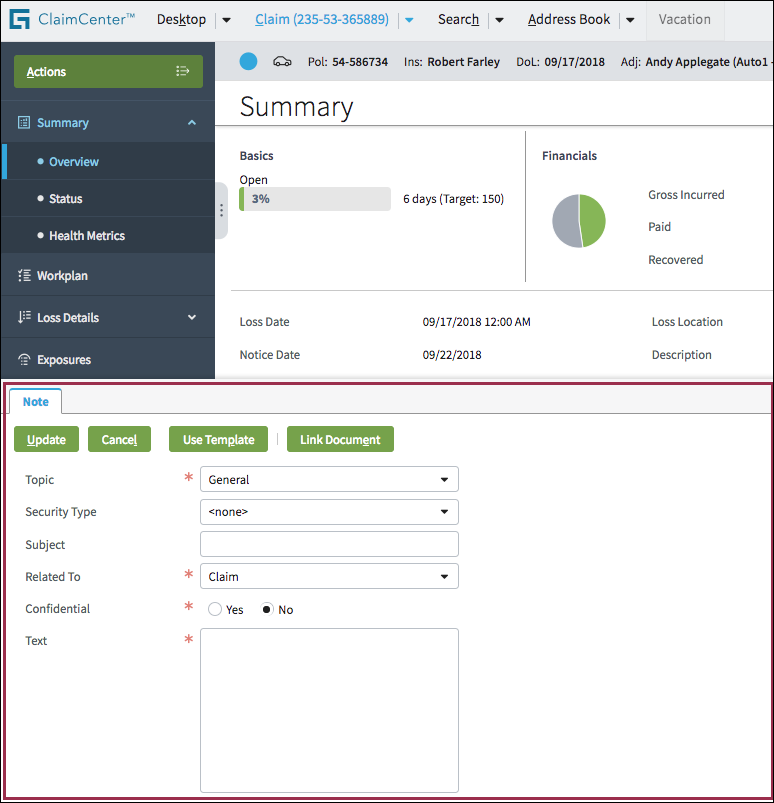 |
Use worksheets when users need a content space that is separate from the main content
area. For example, users might be working on a series of notes and documents while
viewing a claim summary (below left). They might wish to keep these worksheets open
while reviewing health metrics (below right). Worksheets offer this
flexibility.
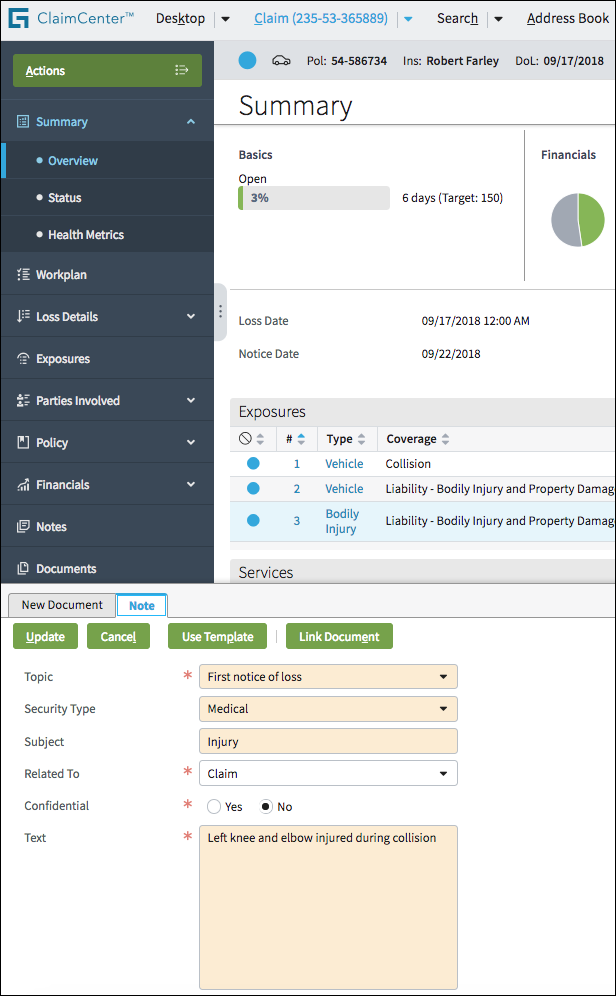 |
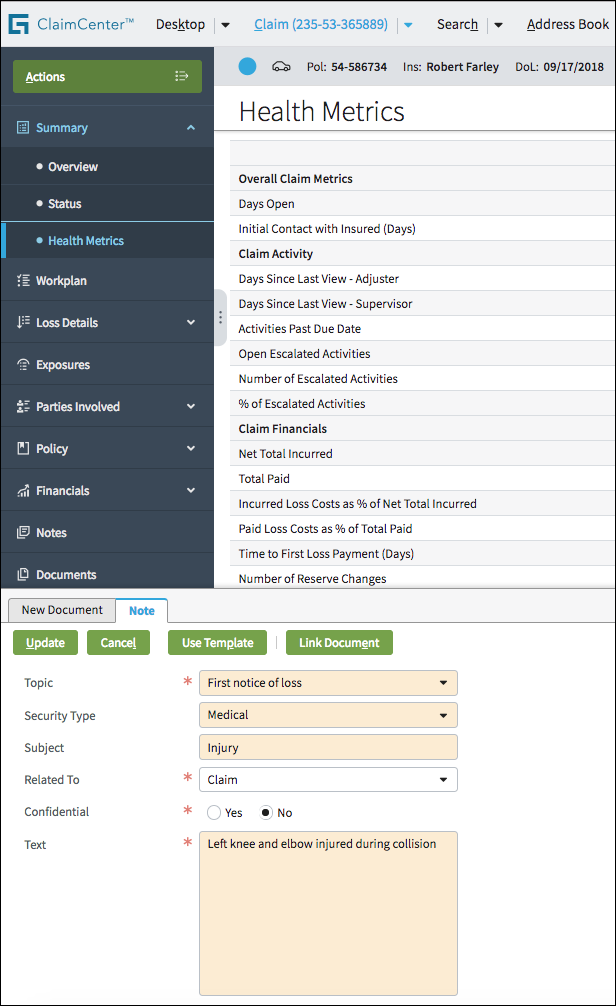 |
PCF elements
Primary function
Worksheet Element
Secondary function
No elements use this widget as a secondary function.
Best Practices
Follow best practices for buttons, check boxes, drop-down lists, input columns, links, radio buttons, tabs, and text boxes.